



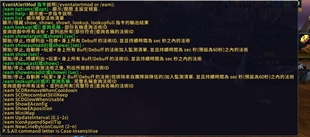
Simple increase and decrease buufs and debuffs prompts, skill cooldown prompts, and conditional skill prompts簡單的增減益提示、技能冷卻提示以及條件式技能提示
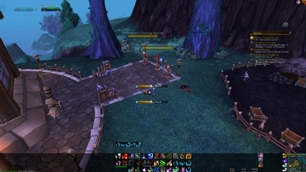

MinimapZoom 是一款用于《魔兽世界》的小地图缩放插件。它能够让玩家自定义小地图的缩放级别,提供更清晰的视野或更大的视野范围,以适应不同的游戏需求。 ### 简体中文概述 ### MinimapZoom 插件允许玩家轻松调整小地图的缩放,既可以放大查看细节,也可以缩小获得更广阔的视野。操作简便,功能实用,助你更好地探索艾泽拉斯。
TOG专业助手能帮助你快速了解公会成员的专业技能情况,包括谁拥有哪种专业、谁可以制作哪些物品,以及谁掌握了哪些附魔。这个插件让你在需要专业服务时能迅速找到合适的公会成员。
DBM首领警报主模块,包含当前版本的副本,不包含老团本和五人副本,需要的可以单独下载其他资料片的模块。
DBM首领警报主模块,包含当前版本的副本,不包含老团本和五人副本,需要的可以单独下载其他资料片的模块。
DBM首领警报主模块,包含当前版本的团队副本,不包含老团本和五人副本,需要的可以单独下载其他资料片的模块。
全面战斗分析,汇聚伤害、治疗等关键数据。
怀旧专用版本,正式服请勿下载!
Shows compact realm-region badges for leaders and applicants in the World of Warcraft Premade Groups interface.
Creates an interrupt macro for your current specialization.
Personal TBC raid assistant for WoW Classic with boss timers, combat alerts, raid history, loot tools, and raid-lead dashboards.
Add your favorite housing decorations directly from the housing catalog to a favorites list.
Dragonflight UI Classic - TBC / MoP
