
Keep a journal of your WoW adventures: write entries and capture clean, interface-free screenshots all from inside the game.
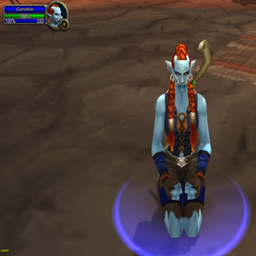
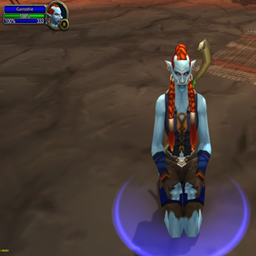
Paparazzi takes a screenshot when a configured game event occurs in World of Warcraft. It records why each screenshot exists.
Paparazzi takes a screenshot when a configured game event occurs in World of Warcraft. It records why each screenshot exists.
Paparazzi takes a screenshot when a configured game event occurs in World of Warcraft. It records why each screenshot exists.


DBM首领警报主模块,包含当前版本的副本,不包含老团本和五人副本,需要的可以单独下载其他资料片的模块。
DBM首领警报主模块,包含当前版本的副本,不包含老团本和五人副本,需要的可以单独下载其他资料片的模块。
DBM首领警报主模块,包含当前版本的团队副本,不包含老团本和五人副本,需要的可以单独下载其他资料片的模块。
全面战斗分析,汇聚伤害、治疗等关键数据。
怀旧专用版本,正式服请勿下载!
Fishing assistant: one key to cast and hook, a louder splash and a fishing journal.
Lightweight PAI = PetAutocastIcons for Hunters and Warlocks
A lightweight World of Warcraft addon that lets you customize tooltip size with a simple slider. Adjust tooltip scaling from 100% to 150%, with automatic settings saving.
A lightweight World of Warcraft addon that lets you customize tooltip size with a simple slider. Adjust tooltip scaling from 100% to 150%, with automatic settings saving.
Transcribe captions WoW voice chat and types your speech into the chat bar via a hotkey, green mic icon, and a Windows speech helper.